The Most Common SEO Mistakes in Belgium: How to Avoid Them and Boost Your Rankings
12 min read
Key takeaways
- Belgian SMEs often make the same SEO mistakes — and most can be fixed within a few days.
- 54.4% of Google clicks go to the top 3 results: every technical or editorial mistake costs you customers.
- The Belgian context (FR/NL multilingualism, fragmented local market) creates specific pitfalls that French or US SEO guides never cover.
- An SEO audit using free tools (Google Search Console, PageSpeed Insights) is enough to identify 80% of issues.
- Depth beats quantity: 10 well-optimised pages are worth more than 50 pages no one can find.
You've invested in a website, you're publishing content, you wait… and the phone still isn't ringing any more than before? We know the feeling. Our team works with Belgian SMEs every day — tradespeople in Namur, consultancies in Brussels, shops in Charleroi — and the diagnosis is almost always the same: the site exists, it looks good, but Google isn't showing it to anyone.
The thing is, the SEO mistakes dragging down your organic search rankings are rarely visible to the naked eye. Your site can look perfect and still be riddled with technical issues that only a thorough crawl can reveal. With 96.4% internet penetration in Belgium, your customers are online — the real question is: are they finding you, or your competitor?
In this article, we won't just skim through 21 surface-level mistakes. We'll dig into the 4 problems that cause the most damage, with concrete examples from real situations, and most importantly, solutions you can implement this week.
The strategy mistake: targeting the wrong keywords (or none at all)
This is by far the most widespread problem. It's also the one with the biggest impact, because it conditions everything else: if you target the wrong keywords, all the content you build on top is built on sand.
In practice, here's what we see all the time:
The trap of overly broad keywords
A client contacts us — they're an electrician in Mons. Their site is optimised for "electrician". The problem? They're competing against thousands of pages at the national level, including directories and high-authority sites. An electrician in Mons will never outrank Yellow Pages for just "electrician". However, "electrician Mons emergency" or "house electrical installation Mons" — there's a space to fill, with people searching for exactly their service.
These are called long-tail keywords: more specific phrases with lower volume but a much better conversion rate. Someone typing "electrician Mons weekend emergency" has their wallet in hand. Someone typing "electrician" might be doing their homework.
The "writing by gut feeling" syndrome
Another classic case: an SME feeding their blog with articles chosen at random, without ever checking if anyone actually searches for those topics. We've seen an architecture firm publish 15 articles on "2024 interior design trends" when no one in their area was typing that query. Meanwhile, "renovation architect Brussels" — a query searched hundreds of times per month — had no dedicated page on their site.
The solution, step by step:
- Open Google Keyword Planner (free with a Google Ads account) and type in your services + your city.
- Look at search volumes AND competition. The goal is to find the right balance.
- For each page on your site, assign ONE primary keyword and 2-3 variants. No more.
- Check that two different pages aren't targeting the same keyword — otherwise they cannibalise each other and Google doesn't know which one to display.
And an important point: keyword stuffing no longer works. Repeating "SEO agency Namur" 12 times on a page won't make you the top result — quite the opposite. Google understands semantic context and penalises over-optimisation. Integrate your keywords naturally, using synonyms and variations.

The invisible mistake: neglected technical SEO
Your site looks great, your content is solid, your keywords are well chosen… but Google still won't rank you? There's a strong chance the problem is under the bonnet. Technical SEO is everything the user doesn't see but Google analyses in detail to decide whether your site deserves a good ranking.
Speed: the silent killer
We recently audited the website of a restaurant in Liege. Beautiful design, lovely photos… each weighing 4 MB. Result: 8 seconds to load on mobile. Yet 53% of mobile visitors leave a site that takes more than 3 seconds to load. That restaurant was literally losing customers every day without knowing it.
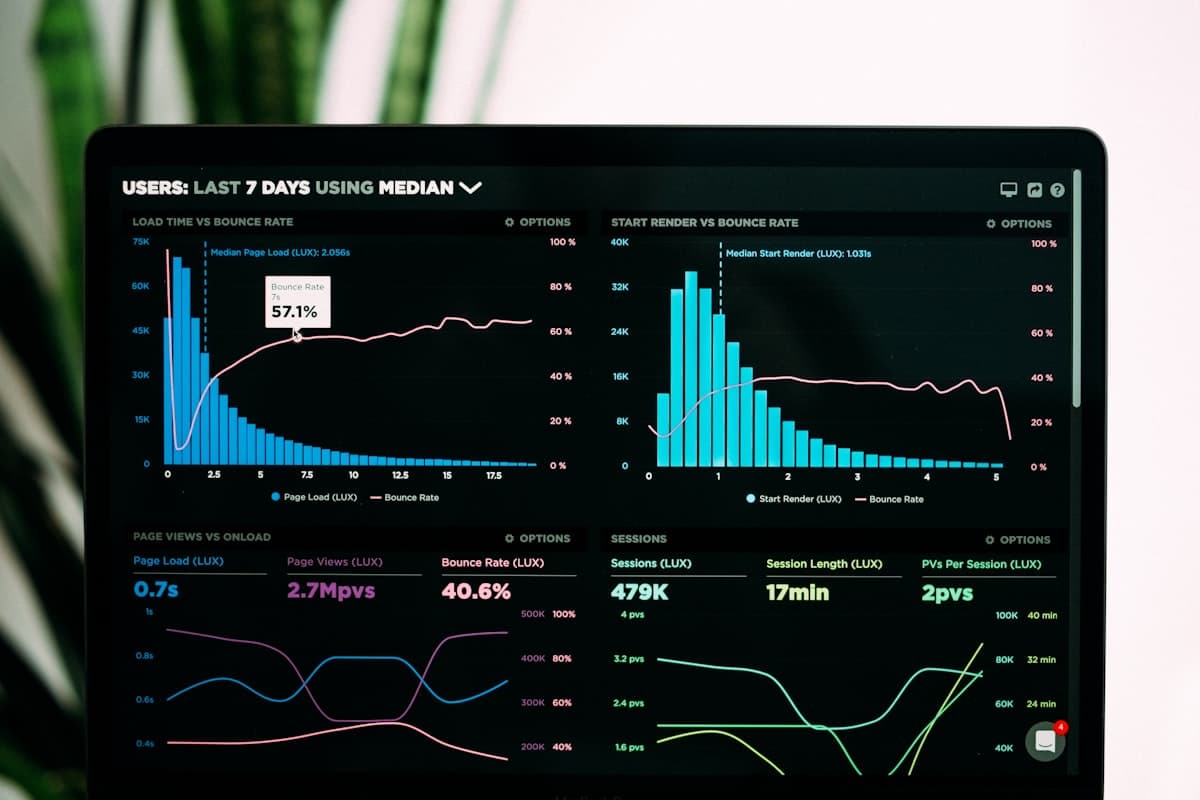
Google measures your site's performance with Core Web Vitals — three precise metrics:
- LCP (Largest Contentful Paint): the time it takes for the main element on your page to display. Target: under 2.5 seconds.
- INP (Interaction to Next Paint): how responsive your site is when a visitor clicks or types. Target: under 200 milliseconds.
- CLS (Cumulative Layout Shift): visual stability — do elements move around during loading? Target: score below 0.1.
These metrics are a confirmed Google ranking factor. They won't replace good content, but when two competing sites have equal content quality, the one with better Core Web Vitals will rank higher. It's a competitive advantage that many Belgian SMEs completely overlook.
Technical errors that block indexing
Beyond speed, there are issues that outright prevent Google from seeing your pages:
- No sitemap.xml: this is your site's roadmap for Google. Without it, some pages fly under the radar.
- Misconfigured robots.txt: we've seen sites where the robots.txt blocked access to all product pages. The developer had copy-pasted a default file without adapting it. Result: zero indexing of the most important pages.
- Cascading 404 errors: internal links pointing to deleted pages. Every dead-end click is a bad user experience AND a negative signal for Google.
- Botched HTTPS migration: images or scripts still loaded over HTTP on an HTTPS site (mixed content), triggering security warnings.
How to diagnose this? Open your Google Search Console — it's free, you just need to verify ownership of your domain. The "Pages" section shows you exactly which URLs are indexed, which are excluded, and why. For speed, Google's Core Web Vitals documentation explains each metric and how to improve it.
If you're starting a new project, now is the time to bake these best practices in from the design phase. A well-architected showcase website from the start will save you weeks of technical fixes down the line.
The Belgian mistake: ignoring local SEO and multilingualism
This one could be called the "made in Belgium" mistake. French or American SEO guides almost never mention it, but for a Belgian SME, it's often THE most profitable lever — and the most neglected.
Google Business Profile: your free shopfront
We're always surprised by the number of Belgian businesses whose Google Business Profile is either incomplete or not even claimed. In practice, when a potential customer types "plumber Charleroi" on their phone, Google displays a "local pack" — the top 3 businesses with their listing, reviews, and opening hours. If your listing doesn't exist or is half-filled, you're simply absent from that space.
What you need to do — and it's quick:
- Claim your listing on business.google.com if you haven't already.
- Fill in EVERYTHING: opening hours, service descriptions, photos (at least 10), business categories.
- Ensure NAP consistency (Name, Address, Phone): this information must be strictly identical on your website, your Google listing, directories, and social media. The slightest difference — "12 Station Road" vs "12, Station Rd" — sows doubt in Google's eyes.
- Ask satisfied customers for reviews. Reviews influence both your local ranking and prospects' buying decisions. A simple email or text after a job is enough — and it costs nothing.
The Belgian multilingualism trap
Here's something that SEO agencies based in France will never tell you, because they don't face it. If your business targets both French-speaking and Dutch-speaking customers, you have an extra challenge: hreflang tags.
These HTML tags tell Google which language version of your page to show to which user. Misconfigured (or missing), they create two problems:
- Duplicate content: Google sees your FR page and your NL page as two copies of the same content, and penalises both.
- The wrong version displayed: a Dutch-speaking user in Antwerp lands on your French page and leaves immediately.
We worked with a Brussels-based e-commerce business that had product pages in FR and NL — without hreflang. Their NL pages almost never appeared in Dutch-language Google.be results. After fixing the tags (a few hours of technical work), Dutch-speaking organic traffic increased significantly within 8 weeks. This is a typical case where a technical detail has a direct commercial impact.
If your site handles multiple languages, or if you're considering developing a multilingual business application, build this logic in from the start — retrofitting always costs more.
The fundamental mistake: content that serves no one
We've saved this mistake for last because it's the most widespread AND the most misunderstood. Many Belgian SMEs think that "doing SEO" means "writing lots of text with keywords in it". That's not it at all.
Duplicate content: more common than you'd think
An example we come across regularly: a service provider (let's say a roofer) creates 15 near-identical pages — one per city — only changing the town name. "Roofer Namur", "Roofer Liege", "Roofer Mons"… with 95% identical text. The intention is good (targeting local SEO), but the execution is disastrous. Google detects the duplicate content and fails to display any of these pages properly.
The right approach: one well-optimised main service page, supplemented by genuinely unique local content — client references in each city, regional specificities, photos of local projects. Not copy-paste with find-and-replace.
Forgotten meta tags
We've lost count of sites where the title tag and meta description are either empty or identical across all pages. When they're empty, Google writes your title in the search results itself — and it's not always flattering. When they're identical everywhere, Google understands that your pages lack clear differentiation.
The rules are simple:
- Title tag: unique per page, 60 characters max, primary keyword at the beginning. Example: "Roofer in Namur – Roof Repair and Renovation".
- Meta description: unique per page, 155-160 characters, it should make people want to click. It's your mini-advert in Google results.
- H1 tag: one per page, it should contain your primary keyword.
Backlink strategy: the other forgotten pillar
Backlinks (inbound links from other websites) are one of the most powerful ranking factors in search engine optimisation. Each quality link pointing to your site acts as a recommendation in Google's eyes.
The problem? Most Belgian SMEs have no link-building strategy at all. Their site exists in a vacuum. What works, without resorting to risky practices:
- Create content people want to cite: practical guides, local studies, infographics.
- Build partnerships with Belgian professional federations, chambers of commerce, and regional media.
- Offer guest posts on websites complementary to your business.
- Regularly check your link profile with Ahrefs or SEMrush and disavow toxic links.
A single link from a recognised Belgian media outlet or institution is worth more than 100 links from obscure directories. Quality beats quantity — always.
SEO audit: tools to diagnose your site
Wondering where to start analysing your SEO in Belgium? Good news: the essential tools are free. Here are the ones we use — and recommend — for an effective SEO page analysis:
| Category | Free tool | Paid alternative | What it does |
|---|---|---|---|
| Indexing | Google Search Console | Screaming Frog | See which pages Google indexes, spot 404 errors |
| Speed | PageSpeed Insights | GTmetrix Pro | Measure your Core Web Vitals, oversized images |
| Keywords | Google Keyword Planner | SEMrush / Ahrefs | Find the keywords your customers are searching for |
| Backlinks | Search Console (Links) | Ahrefs / Majestic | Check who links to your site |
| Tracking | Google Analytics + Looker Studio | SEMrush Position Tracking | Track traffic, positions, and conversions |
Our recommendation: start with Google Search Console + PageSpeed Insights + Google Analytics. These three tools cover 80% of the diagnostics you need and cost nothing. If you want to dig deeper (competitive analysis, backlink tracking, advanced SEO marketing), a tool like SEMrush or Ahrefs picks up the slack — expect to pay between 100 and 200 EUR per month.
And above all: don't just install them and forget. The classic trap is setting up Google Analytics… and never going back to it. Block 30 minutes per month in your diary to review your data. Low CTR on a well-positioned page? Rework your title tag. Traffic on an article with zero conversions? Add a clear call to action. Every decision should be driven by data, not gut feeling.
FAQ — Your questions about SEO mistakes in Belgium
How do you perform an SEO audit of your website?
In practice, we always start with three things: opening Google Search Console to check for indexing errors (excluded pages, 404 errors), testing speed with PageSpeed Insights, and reviewing the title tags and meta descriptions of every page. If you want to go further, Screaming Frog (free for up to 500 URLs) crawls your entire site and generates a complete report of technical issues.
Why doesn't my site appear on Google?
The most common causes: your site isn't indexed (check in Search Console > Pages), your robots.txt is blocking important pages, your content doesn't match the queries users are typing, or your site is too slow. In the majority of cases we handle, it's a combination of two or three of these factors. A technical SEO audit is the fastest way to pinpoint the exact cause.
What is the difference between SEO and SEA?
SEO (search engine optimisation) works on your positioning in Google's organic results — it's a 3-to-6 month investment that generates lasting traffic. SEA (search engine advertising, e.g. Google Ads) places you immediately at the top of results, but traffic stops the moment you cut the budget. The two are complementary: SEA can compensate for the time SEO takes to deliver results.
How can you improve local SEO in Belgium?
Three priorities: claim and complete your Google Business Profile (hours, photos, description, categories), integrate local keywords into your content (city + service), and ensure NAP consistency across all your online listings. If your site is bilingual FR/NL, configuring hreflang tags is essential to avoid duplicate content issues between your language versions.
What free tools can you use to analyse your SEO?
Google Search Console (indexing, errors, links), PageSpeed Insights (speed, Core Web Vitals), Google Analytics (traffic, behaviour, conversions), Google Keyword Planner (keyword research), and Screaming Frog free version (technical crawl up to 500 URLs). This combination covers the vast majority of SEO diagnostics an SME needs.
Where to start, concretely?
If you could only do one thing this week, here it is: open Google Search Console, go to the "Pages" section, and check how many of your URLs are actually indexed by Google. The number will probably surprise you. Then test your homepage on PageSpeed Insights and note your mobile score. These two actions alone will give you a clear picture of where you stand.
Search engine optimisation isn't a project you tick off and forget about. It's ongoing work, but the results are lasting: unlike SEA, a strong organic ranking continues to generate qualified traffic for months. And if your current site has accumulated too many technical issues, it's sometimes more efficient to start fresh with a website built for SEO from day one.
Need an outside perspective on your situation? Get in touch — we'll analyse your site and tell you exactly which levers to pull first. No jargon, no unrealistic promises, just an honest diagnosis and a clear action plan.